

Every 2026 Hyundai comes with SmartSense standard. Good answer, and a genuinely useful one. But "standard" is doing a lot of work in that sentence, because two distinct tiers sit inside that suite, and you'll want to know which features switch on by themselves versus which need a trim step-up, since that changes which model you drive home.
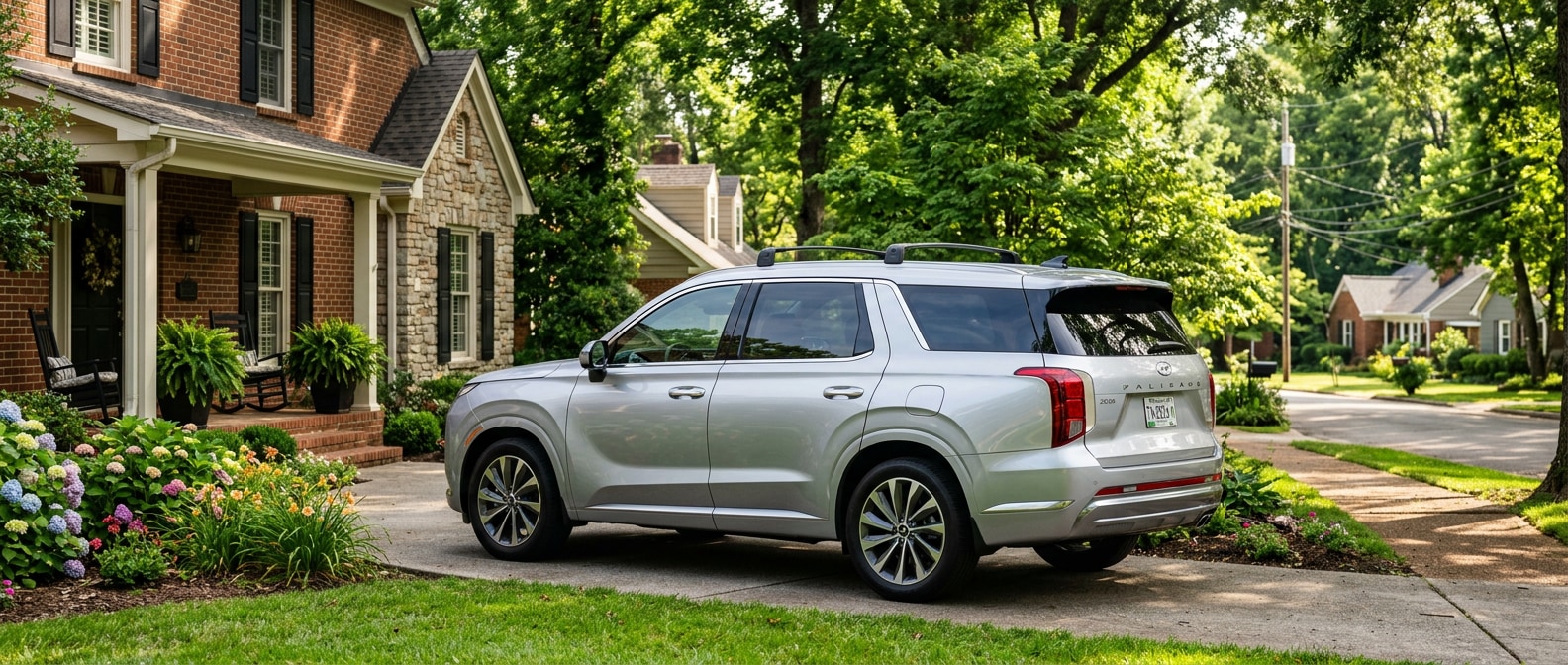
The Hyundai Palisade is the model we see Hendersonville families gravitating toward when this conversation starts. SmartSense runs across the full lineup, though, from the Tucson up through the three-row flagships. Here's the real breakdown, built around how Sumner County families drive.
Will the Safety Tech Cover Your Daily Load?
Yes, the core suite covers the real risks of suburban family driving, and it'll do that without a single option-package upgrade, though the deepest protection for a sleeping infant sits one trim tier above the base seven.
Per Hyundai, all 2026 models ship with seven standard SmartSense features regardless of trim. There's no asterisk hiding under that number. Seven verified active systems, and every one is live the day you drive home.
| SmartSense Feature | What It Actually Does | Parent Scenario It Covers | Standard or Trim-Dependent? |
|---|---|---|---|
| Forward Collision-Avoidance Assist (FCA-Ped) | Radar + optical camera monitor ahead; applies emergency braking for vehicles, pedestrians, and cyclists | School zone with kids at a crosswalk; parking-lot darting | Standard, all 2026 trims |
| Lane Keeping Assist (LKA) | Detects marked lane lines; nudges steering if you drift | I-65 southbound during the morning commute push | Standard, all 2026 trims |
| Driver Attention Warning (DAW) | Monitors steering patterns for fatigue cues; alerts driver | Late pickup run after a long workday | Standard, all 2026 trims |
| Rear Occupant Alert, Basic (ROA) | Detects if a rear door opened before the trip and reminds you on the cluster display at shutdown | Forgetting a sleeping toddler in the backseat | Standard, all 2026 trims |
| High Beam Assist (HBA) | Automatically dims high beams for oncoming headlights | Evening drives on unlit suburban roads | Standard, all 2026 trims |
| Blind-Spot Collision Warning (BCW) | Audible and visual alert when a vehicle is in your blind spot during a lane change | Merging onto Vietnam Veterans Boulevard in morning traffic | Standard, all 2026 trims |
| Rear Cross-Traffic Collision-Avoidance Assist (RCCA) | Scans perpendicular traffic while reversing; applies brakes if a hazard is detected | Backing out of a packed school pickup line or crowded grocery lot | Standard, all 2026 trims |
Where the tier split really matters. The basic Rear Occupant Alert runs on door logic. The car remembers whether a rear door opened before the trip, then shows a reminder on the cluster display when you shut down. The advanced version, available on Palisade trims from SEL Convenience upward, goes further. Overhead ultrasonic sensors watch the rear seating area after you lock the doors and walk away. If they pick up movement (a sleeping infant breathing, or a child who just woke), the system honks the horn, flashes the headlights, and pushes a Bluelink alert to your phone. For a family with young kids, that difference isn't abstract at all.
How to Load These Systems Up Correctly
Setting these systems up right takes about ten minutes in the driver's seat, and most of it is just toggling menus you'll touch once and forget, though a couple of steps (Bluelink pairing above all) genuinely decide whether an alert ever reaches your phone.
You've taken delivery. Twelve SmartSense icons on the screen, and you haven't touched one. So here's the practical sequence our team walks through with new Hyundai buyers.
- Confirm Rear Occupant Alert is active. Go to Settings > Vehicle > Driver Assistance on the infotainment touchscreen. Find Rear Occupant Alert and check that it's toggled on. Most 2026 trims arrive with it enabled, but confirm it yourself the day you drive home.
- Enable Safe Exit Assist. Still under Driver Assistance, open Blind Spot Safety and select Safe Exit Assist (it may read "Safe Exit Warning" depending on your trim). The system uses rear radar to catch approaching vehicles and cyclists. When it triggers, it locks the door briefly and it'll sound an alert. Switch it on before your first school run.
- Set Smart Cruise gap distance. On trims with Smart Cruise Control with Stop & Go, pick your following distance from the in-cluster display (1 through 4 bars). For the Vietnam Veterans Boulevard stop-and-go into Goodlettsville, 3 or 4 bars gives the system room to slow and hold, and you're not lifting a foot.
- Adjust Driver Attention Warning sensitivity. Head to Settings > Driver Assistance > Driver Attention Warning. Sensitivity runs from Low to High. If you're running on short sleep during the school-to-work sprint, High catches fatigue patterns earlier.
- Pair Bluelink for Advanced ROA phone alerts. If your trim includes the ultrasonic Rear Occupant Alert, Bluelink has to be paired and push notifications have to be active. Open the Hyundai Bluelink app, link your vehicle, and confirm notifications are on. Skip that step and the alert won't reach your phone.
Schedule a walk-through with our team if you'd rather have someone show you the menus in the actual car.
Something our team notices on equipped 2026 trims: the Blind-Spot Collision-Avoidance Assist doesn't stop at a warning. It can actively apply outer-wheel braking to resist a lane change into an occupied blind spot. A real physical intervention, more than an alert tone. Per Hyundai's system specifications, it activates above approximately 12 mph, which puts it right in range for the merge points on I-65 southbound through Goodlettsville.
Per Hyundai Motor Group's 2026 IIHS safety award announcement, all 2026 Hyundai vehicles include seven standard SmartSense features, and the 2026 Palisade Hybrid earned IIHS TOP SAFETY PICK+ for models built after November 2025.
The School-Run, Commute, and Parking-Lot Picture
Out on the roads Hendersonville families drive daily, SmartSense earns its keep in different ways, strongest in stop-and-go commuting and packed pickup lines, and it's plainly limited in heavy weather where the sensors lose their read on lane lines and hazards.
The I-65 commute corridor from Goodlettsville south toward Nashville packs in every weekday morning. Vietnam Veterans Boulevard (SR 386) feeds that corridor from Hendersonville, and the merge zones back up on a predictable schedule. Smart Cruise Control with Stop & Go handles that pattern for you, easing off and re-accelerating to match traffic and resuming from a full stop without a foot on the pedal. It won't erase the commute. It does take the grind out of it, most mornings anyway.
How do you cover the second a child grabs the door handle before you've finished parking? Safe Exit Assist. You're stationary, then creeping through a packed line, and that's the exact window it watches. Rear radar scans for approaching cyclists and vehicles, sounds an alert, and locks the door for a beat. Kids move fast. That half-second counts in a crowded lot. Forward Collision-Avoidance Assist stacks on another layer here, pairing front radar with an optical camera to flag a pedestrian stepping out between parked vehicles, the kind of moving hazard a simpler system reads too late.
One tradeoff is worth stating plainly. SmartSense systems work inside defined limits, and they'll drop reliability in heavy rain, direct sun glare, and partially obscured lane markings. Treat these features as a backup net, not a replacement for your own eyes. Hyundai spells this out in the owner's documentation, and we say the same at the counter.
The Hyundai Santa Fe sits right in the middle of the lineup for families who want the advanced ROA tier without stepping up to three-row territory. It's worth putting next to the Palisade in your comparison if you're deciding between the two.
Job Done: The Fitting Summary
SmartSense delivers active, verified protection across every 2026 Hyundai from the base trim up, and the seven standard features cover the scenarios that count for Hendersonville driving, everything from pedestrian-detecting collision avoidance to rear-seat reminders, blind-spot intervention, and safe-door egress, all of it live before you've added a thing.
The path to the advanced ultrasonic ROA, Blind-Spot View Monitor, and Smart Cruise with Stop & Go is a trim decision, not a package add-on buried in fine print. Know which tier you're buying.
Payload specs verified against Hyundai Motor Group's 2026 IIHS announcement and Hyundai SmartSense product documentation. No prices.
Browse our 2026 Hyundai inventory to see what's on the lot right now.
By the Hallmark Hyundai Hendersonville Team | August 2026
Categories:
Social


